
Exploited Domains
Malicious actors frequently launch phishing attacks from free email services. You can add an alert banner to emails from these domains as a reminder to users to stay vigilant, even if the email content does not look suspicious.
To turn on alert banners in emails from these domains, follow these steps:
Go to Email Security > Configuration > Mail Flow. Select Frequently Exploited Domains from the tab.
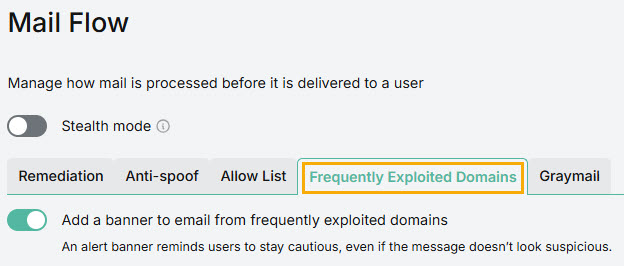
Select the toggle Add an alert banner to email from frequently exploited domains to turn on alerts.
Select Save.