
Connect Microsoft 365
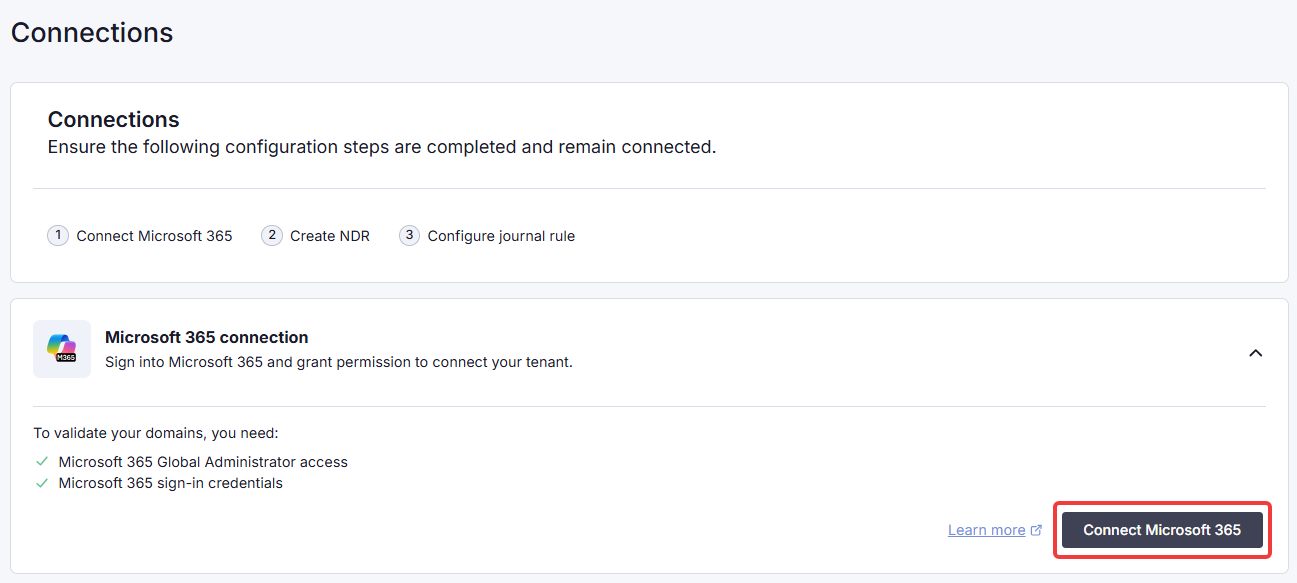
1. Under M365 Connection, click Connect Microsoft 365.
 |
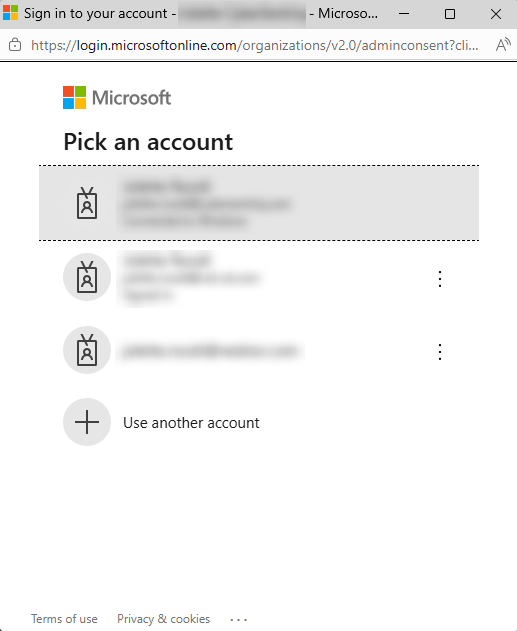
2. Select the applicable Microsoft account (a Global Administrator for the tenant) and sign in.
 |
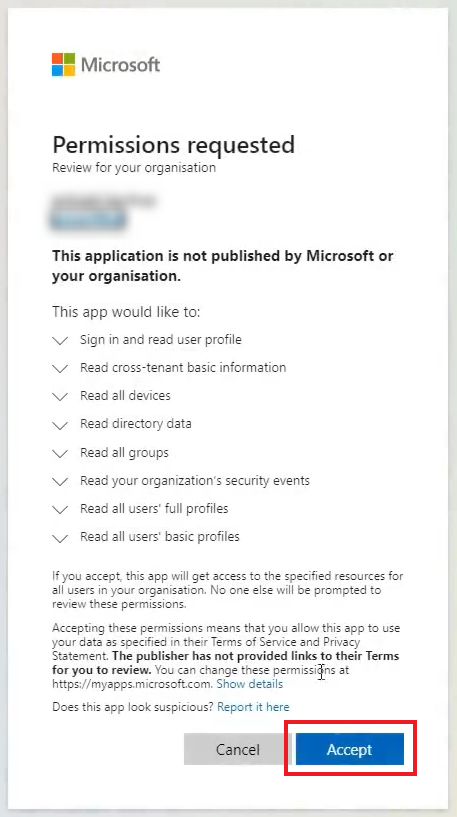
3. Review the requested permissions and click Accept.
 |
You will see a success notification and the Status will change to Connected.
